How to reassign a shared hobby supply between projects
Update both plans when a material changes destination so it is not counted twice.
The same supply can appear ready in separate plans. When reassigning it, update both the receiving project and the previous one. Distinguish physical availability from its current allocation. If each project needs a whole sheet, one sheet cannot supply both. Reassignment creates no extra stock.
What to do
- Identify the particular supply and the projects needing it as a whole.
- Choose its current allocation and cancel the previous allocation in the old plan.
- Check both plans: only the recipient holds it; the other's unmet need remains.
Example
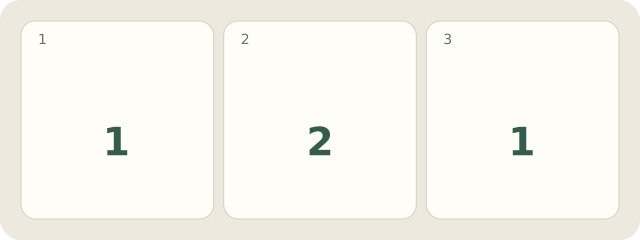
Fictional stock: only 1 whole sheet S1 and 2 projects, cover A and box B. S1 moves from A to B. A now says “sheet needed; S1 no longer allocated”; B says “S1 allocated”. There is 1 current allocation and still 1 physical sheet.
My Day · Windows
My Day supports these manual project notes; it does not reserve supplies automatically.