Check a print's physical size with a test mark
An on-screen view does not confirm template dimensions.
Before using a print as a template, measure a control length. Page fitting can change its size. The mark checks that particular length, without guaranteeing the entire print.
What to do
- Find a control segment in the source with a stated length and units you can measure on paper.
- Make a test print and measure the segment, recording expected and observed values together.
- If they differ, do not use the template; check scaling settings, print another test and measure again.
Example
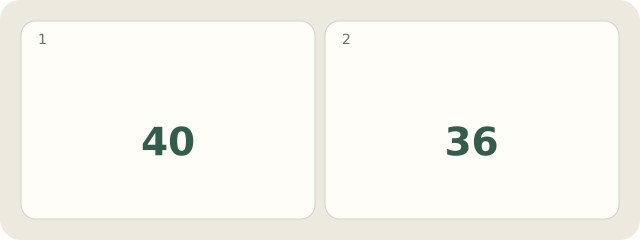
Fictional example: the control segment should be 40 mm, but measures 36 mm on paper. Record: “Wrong size; do not use for layout.” Next, check print scaling. Margins and cropping need separate checks.
My Day · Windows
My Day can store measurements and a repeat-test task. You print and measure yourself.