Connect two personal notes with a useful sentence
Record why you would move from one entry to the other.
A shared word does not by itself make two notes usefully connected. Name the relationship: one provides an example, raises a question or suggests a check for the other. A reference by title should help you act, rather than merely increase the number of connections.
What to do
- Choose two existing entries and read their complete text and titles.
- Describe the relationship in one sentence with an action or question, not just a shared topic.
- Manually save the related note titles and that sentence where you will look for the connection.
Example
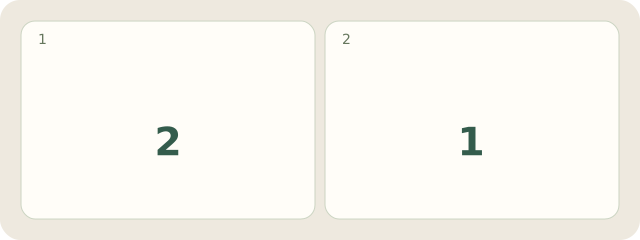
Fictional example: 2 notes are “Space in a layout” and “Crowded legend”. Their 1 connection is “Test larger gaps between the legend's labels”.
My Day · Windows
My Day can retain this textual connection. This description does not imply automatically created backlinks.