Use the question column in Cornell reading notes
Connect your notes, questions and a short page summary.
Cornell notes combine a main note area, a cue column and a summary. After reading, write questions answered by your notes so you can check your understanding later.
What to do
- Record the source and write concise notes in the main area, distinguishing the author's wording from your own explanations.
- Put relevant questions alongside those notes; cover the main area and try answering aloud without looking at the text.
- Compare your answers with the notes, clarify gaps and write the page's overall meaning in your own words at the bottom.
Example
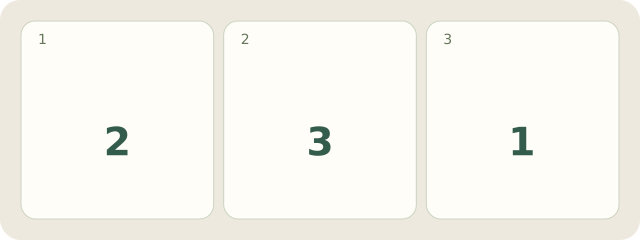
Fictional example: Lisa has 2 questions, 3 short notes and 1 summary. “Why was the bridge closed?” is answered by notes on damage and an inspection.
My Day · Windows
In My Day, save questions and a checking task; arrange actual columns in your chosen editor or notebook.