Why a sum differs from the visible rounded inputs
Ordinary number formatting changes the display, not the values used in calculation.
Ordinary formatting does not make visible rounded numbers new inputs. Check entered values and the formula first. Display formatting differs from actually rounding an intermediate calculation value.
What to do
- Check entered numbers and formula references in the formula bar rather than relying on displayed numbers alone.
- Confirm ordinary number formatting is used and a setting that changes stored precision is not enabled.
- Record inputs, display and sum separately instead of changing data simply to match the visible digits.
Example
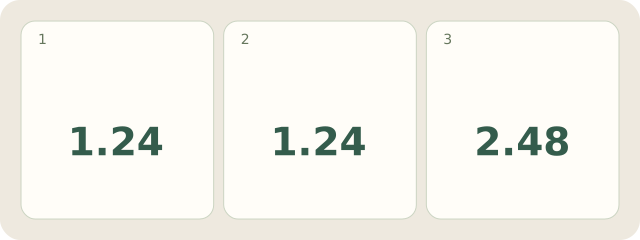
Fictional Excel sheet: A1 and A2 each contain 1.24; a 1-decimal format shows 1.2 each. =A1+A2 gives 2.48, displayed as 2.5; visible 1.2+1.2 gives 2.4. Neither ROUND nor Set precision as displayed is applied. This is a model calculation, not a live Excel test or explanation of binary storage.
My Day · Windows
In My Day, save and reopen the comparison as a text note; check the content yourself.