End the day without copying every task into tomorrow
Make decisions about unfinished work and choose one useful carryover instead of moving the whole list.
At the end of the day, separate completed work, useful continuation and work you can drop. Giving an old task tomorrow’s date does not make it important.
What to do
- Check the actual outputs and save accurate completion records. Do not mark a task complete merely because the day ended.
- Choose one needed next action from unfinished work and see where it fits tomorrow. Review the rest separately.
- Record why you dropped a task and where to resume a carried task. Do not erase useful work notes to make the list look tidy.
Example
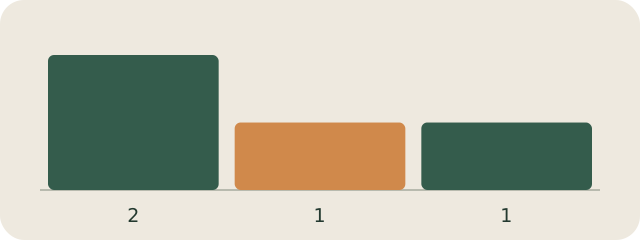
Fictional example: of four tasks, two are complete, one needs continuation and one has lost its purpose. Only the useful next action moves to tomorrow; record the decision to drop the fourth separately.
My Day · Windows
Keep your tasks and work notes together in My Day. After working, save the actual results and leave a clear note for your next session.