Separate an end trigger from the stopping boundary
If a rule says to finish the current round, its remaining turns are still required.
Read your game’s exact ending rule. The event that starts the ending can differ from the boundary where play stops. If the current round must finish, identify its remaining turns. Do not generalise this rule to every game or begin another round automatically.
What to do
- Find both the triggering event and the rule’s final stopping boundary.
- Mark completed turns in the current round and name those still required.
- Complete only that remaining part, then prevent the next round from starting.
Example
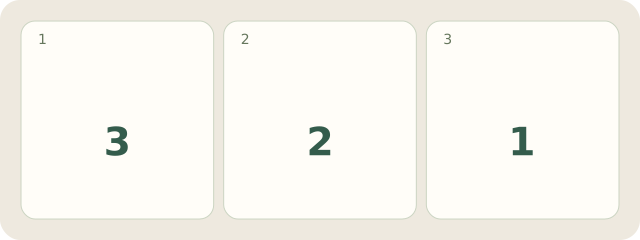
Fictional rule: A→B→C, each turn draws 1 card. The first Stop means finish this round. A has drawn; B draws Stop and finishes its turn: 2 of 3 done, 1 turn for C remains. Stop after C, without another A. This is not Azul’s rule; no winner is specified.
My Day · Windows
In My Day, manually save the checked details in a project note and add the next checking task.