Inspect fine detail in the original photo
An acceptable thumbnail does not confirm that a required label is readable in the full source.
A reduced preview can hide differences between photographs. Name the fine detail first, then open the full originals. Confirm what actual-pixel viewing means in the chosen editor. Zoom changes the view, not file resolution, and adds no information. One blurred detail cannot establish its optical cause.
What to do
- Name the specific label or other fine element that must remain readable.
- Open originals at the confirmed actual-pixel view without resampling the image.
- Compare the detail and record the choice separately from any unknown blur cause.
Example
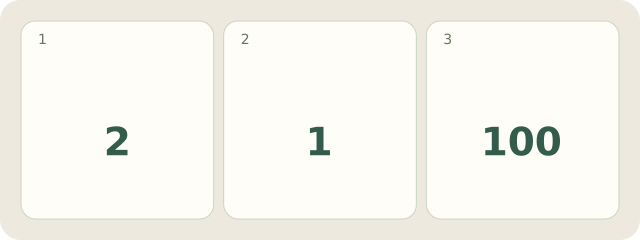
Fictional A/B look acceptable as thumbnails. At 100% / Actual Pixels, A reveals 1 readable Model-A label; B’s letters merge. Choose A among 2 originals for this purpose. Focus, movement and other causes in B remain undetermined; no real files were analysed.
My Day · Windows
In My Day, manually save the checked details in a project note and add the next checking task.