Keep the reply date separate from the delivery date
Label the reply deadline and the proposed delivery date as different events.
A request may give a reply deadline and a later delivery deadline conditional on acceptance. Label both events. Completing the reply must not close preparation of the file.
What to do
- Find the event attached to each date in the original request.
- Keep the acceptance condition explicit while your answer is still pending.
- Update the reply status separately from preparation and delivery of the file.
Example
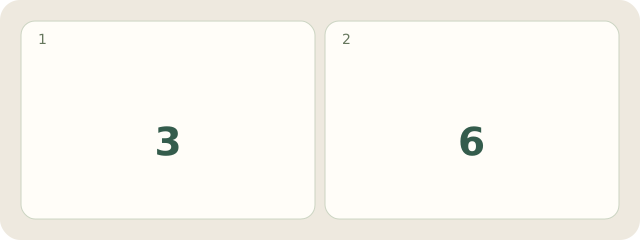
Fictional request: “Reply by 3 November 2026 about preparing the file; if you agree, deliver it by 6 November.” The note reads “3 November: reply; 6 November: proposed delivery.” No reply has arrived, so undertaking the work is still unconfirmed. The numbers 3 and 6 identify November dates, not durations.
My Day · Windows
Manually save this personal record in My Day.