Where to return when the tutorial is ahead of your work
Keep the furthest watched position, the piece's state and a checked work range separately.
Keep three records: the furthest watched position, the piece's actual state and a checked work range. Find that range from the next physical operation. Save it with the action while preserving viewing progress.
What to do
- Record the tutorial title and the furthest watched position measured from the video start.
- Describe the piece's actual state separately and name the next physical operation.
- Find the earlier range, check the required step and save it with the action separately from viewing progress.
Example
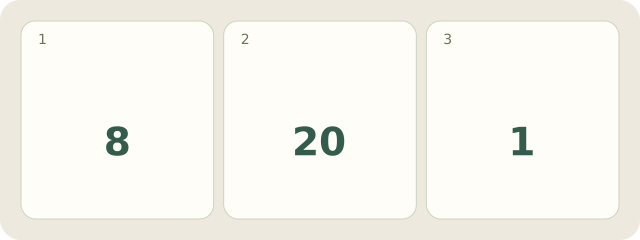
Fictional video: watched to 08:20, 8 minutes 20 seconds, showing the finishing loop. Only 1 starting attachment is done. The earlier 02:10–02:45 is found and checked: it demonstrates starting the braid. Save “watched: 08:20; done: 1 attachment; start braiding: 02:10–02:45”. Viewing progress stays 08:20.
My Day · Windows
You can save these three text records manually in My Day; open the video separately.