Name a study note so you can find its source
A title should distinguish this entry from similar neighbouring notes.
Titles such as “chapter” or “important” offer little help later. Add a topic, recognisable source name and the note's question. Keep detail in the body: the title helps you select the note from a list.
What to do
- Inspect neighbouring entries and identify words that distinguish their sources or tasks when several notes share the same short name.
- Build the title from the topic, source name and question; keep the exact page or section reference beside the explanation in the body.
- Explicitly save the change, return to the list and locate the new title; open the note and check that it contains the intended material.
Example
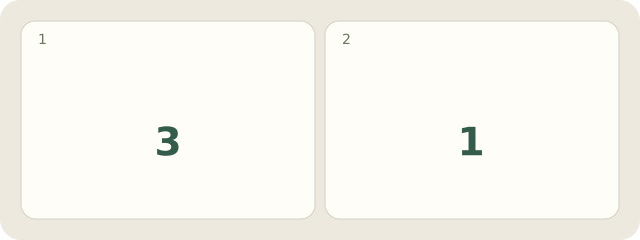
Fictional example: Jana has 3 entries called “Chapter”. She clarifies 1 title: “Bridges — textbook A — why a support is needed”.
My Day · Windows
In My Day, edit and save text-note titles; a clear title does not replace checking the entry's actual contents.