Keep row fields together when sorting
Move a name together with the value that belongs to it.
A work-table row connects facts about one object. Sorting only the names while leaving numbers in place can produce a neat but incorrect table. Move complete records, then verify the associations rather than checking alphabetical order alone.
What to do
- Keep the original table and select a few control pairs of names and their values.
- Identify all linked columns and reorder whole records, accounting for the header row.
- After sorting, find the control names and compare their values with the original.
Example
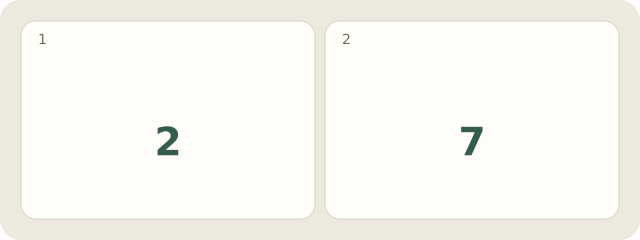
Fictional example: draft C has 7 pages and draft A has 2. Sorting names alone would falsely show A—7 and C—2. The correct order is A—2, C—7. The check confirms that each count still belongs to its draft despite the changed row positions.
My Day · Windows
My Day can hold the checking task and saved control pairs; you edit the external table yourself.