How to record a print collection result
Separate accepted sheets from anything that still needs checking or reprinting.
“Picked them up” says little about the result. Record what you inspected: text, page order or image edges. For unresolved issues, name the file and problem so follow-up is clear.
What to do
- Compare the collected sheets with your list and inspect each one.
- List accepted copies separately from specific issues on the others.
- Save the note; create a separate task for any follow-up visit.
Example
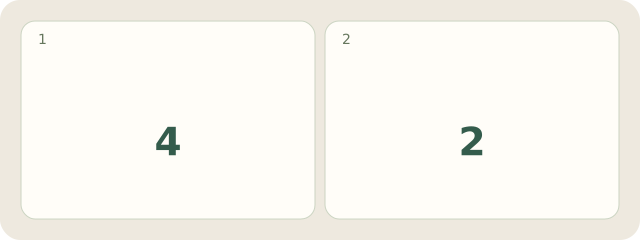
Fictional example: Lina accepts 4 prints and leaves 2 for another check because a heading is cropped. All 6 sheets are accounted for.
My Day · Windows
In My Day, a note can hold your recorded result and a project task the follow-up action. You inspect print quality yourself.