Resolve Word revisions rather than hiding markup
Accept or reject the specified revisions in a copy, preserving the working source.
A clean-looking document can still contain unresolved tracked insertions and deletions. Hiding Word markup neither accepts nor rejects them. A final copy needs an intentional decision on each specified revision, followed by a text check.
What to do
- Preserve the original and work in a separate document copy.
- Read each revision and deliberately accept or reject it.
- Show all reviewers' revisions and check the given set and resulting text.
Example
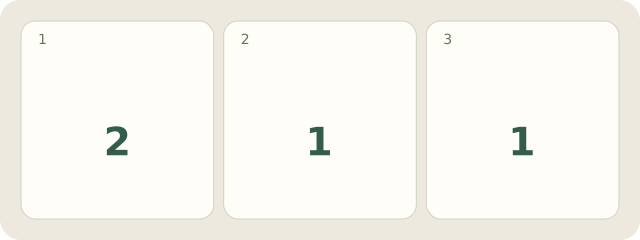
Fictional copy: 2 revisions propose inserting North and deleting the required Room B line. Hiding resolves neither. Accept the insertion and reject the deletion: 1 of each decision. The result contains North and Room B; both given revisions are resolved. This does not establish that comments were checked.
My Day · Windows
Manually save this personal record in My Day.