How to check a small folder of scans
Open every file and check the pages before treating the collection as ready.
A folder name does not prove completeness. Files may open despite cropped edges or unreadable text. Compare the small collection with its originals and keep the paper until checking is finished.
What to do
- List the expected pages from the paper originals.
- Open each scan and check its edges, orientation and legibility.
- Record problem filenames and a separate task to scan those pages again.
Example
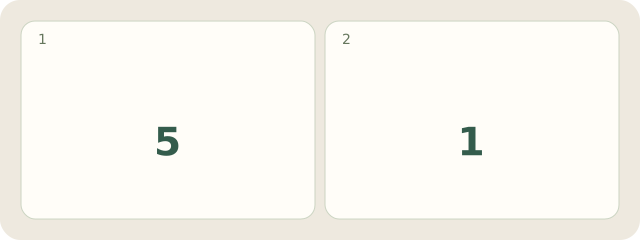
Fictional example: Omar checks 6 workshop pages: 5 are readable and 1 needs scanning again. His note identifies the exact problem file.
My Day · Windows
My Day can store the text checklist and your check status. The files stay in your folder; the app does not read or inspect scans.