Trace a changed fact across work items
Check each dependent item when a confirmed fact changes across a working set.
After a fact changes, its old value may remain in working documents. List dependent items and inspect them separately. Correcting one file does not establish the others' state; unopened material remains unchecked.
What to do
- Record the old and new values and the basis on which the change was confirmed.
- List the items in your set and read the relevant passage in each.
- Separate corrected, outdated and unchecked items, assigning an action to every open point.
Example
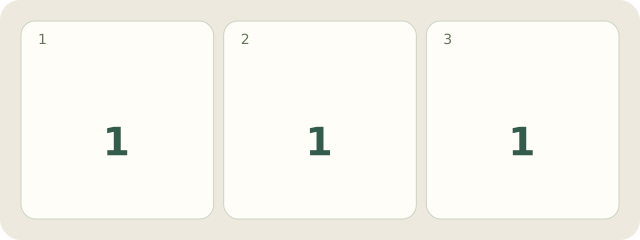
Fictional example: the organiser confirms a move from room A to B. The invitation is corrected, the route diagram still leads to A, and the presenter sheet is unopened. There is 1 item in each state. Correct the diagram and inspect the sheet before calling the set updated.
My Day · Windows
In My Day, manually save this review in a project note and create the personal tasks needed.