Check weekend stops before arranging a route
Confirm whether a visit is possible before ordering the stops.
A place list is not yet a usable route. Check the chosen day's opening arrangements, booking and travel time. Familiar hours do not confirm special holiday arrangements.
What to do
- Find current visiting conditions for each stop in an official source and note the check date alongside your intended visiting day.
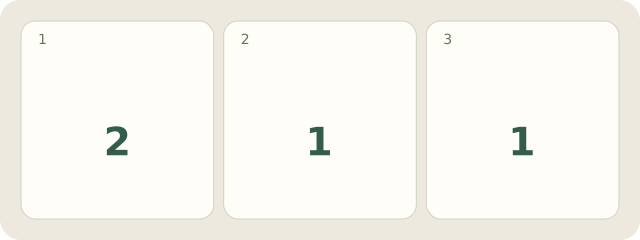
- Mark visits without booking, booking requirements and unavailable stops separately; do not treat unknown availability as confirmed access.
- Order stops around confirmed conditions and travel, leaving a buffer; reconsider the remaining route if a key stop changes.
Example
Fictional example: Lena has 4 stops: 2 available, 1 workshop needing booking and 1 closed exhibition. She writes, “Remove exhibition; confirm workshop.”
My Day · Windows
In My Day, record tasks and conditions in a note. The app does not check hours or calculate routes automatically.