Write audio edit notes against the source recording
Name the file, interval boundaries and required action.
A timestamp identifies a position in a recording. Editing can change duration, so old timestamps may not match the new track. Tie your edit list to a specific source version.
What to do
- Record the exact source filename and timestamp format, such as minutes and seconds, before marking individual passages.
- For an edit, give start, end and action; listen around both boundaries to avoid including neighbouring speech or a needed sound.
- Save the list with its version and check the edited result separately; do not present source timestamps as positions in the new recording.
Example
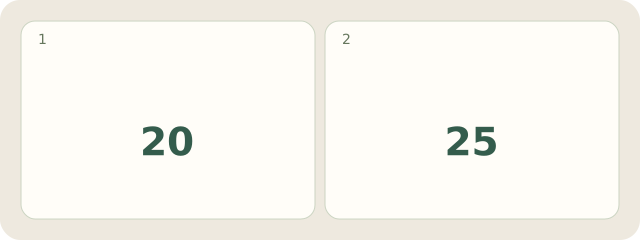
Fictional example: “demo-A.wav, 00:20–00:25: remove the pause.” The start is 20 seconds and end 25, both in the source recording.
My Day · Windows
In My Day, save the edit note as text and a checking task. Listen and edit in an audio editor.