Keep separate stopping points for book and audio
A page and an audio position need a checked match between versions.
When switching formats, retain both positions and locate the same passage by chapter and a recognisable phrase. Page numbers do not convert to minutes through a universal formula. Check language and versions, which may differ. Without a match, leave it unconfirmed.
What to do
- Identify the print and audio versions and record each current position as ordinary text.
- In your external reader or player, locate the matching passage using the textual anchor.
- After checking, record both positions and the time origin without erasing useful details.
Example
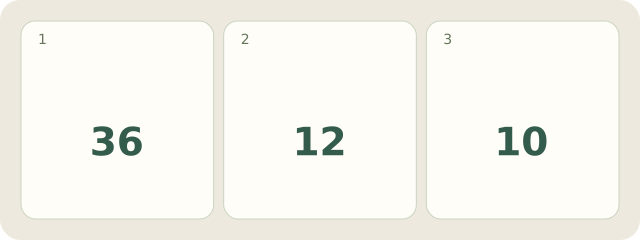
Fictional book: chapter 4, page 36, phrase “By the old bridge”. In the selected audio version, the phrase is manually found in chapter 4 at 12:10: 12 minutes 10 seconds after that chapter starts. This is a located match, not a page-based calculation.
My Day · Windows
My Day stores your text notes; no built-in audio player or automatic matching is assumed.